How it works
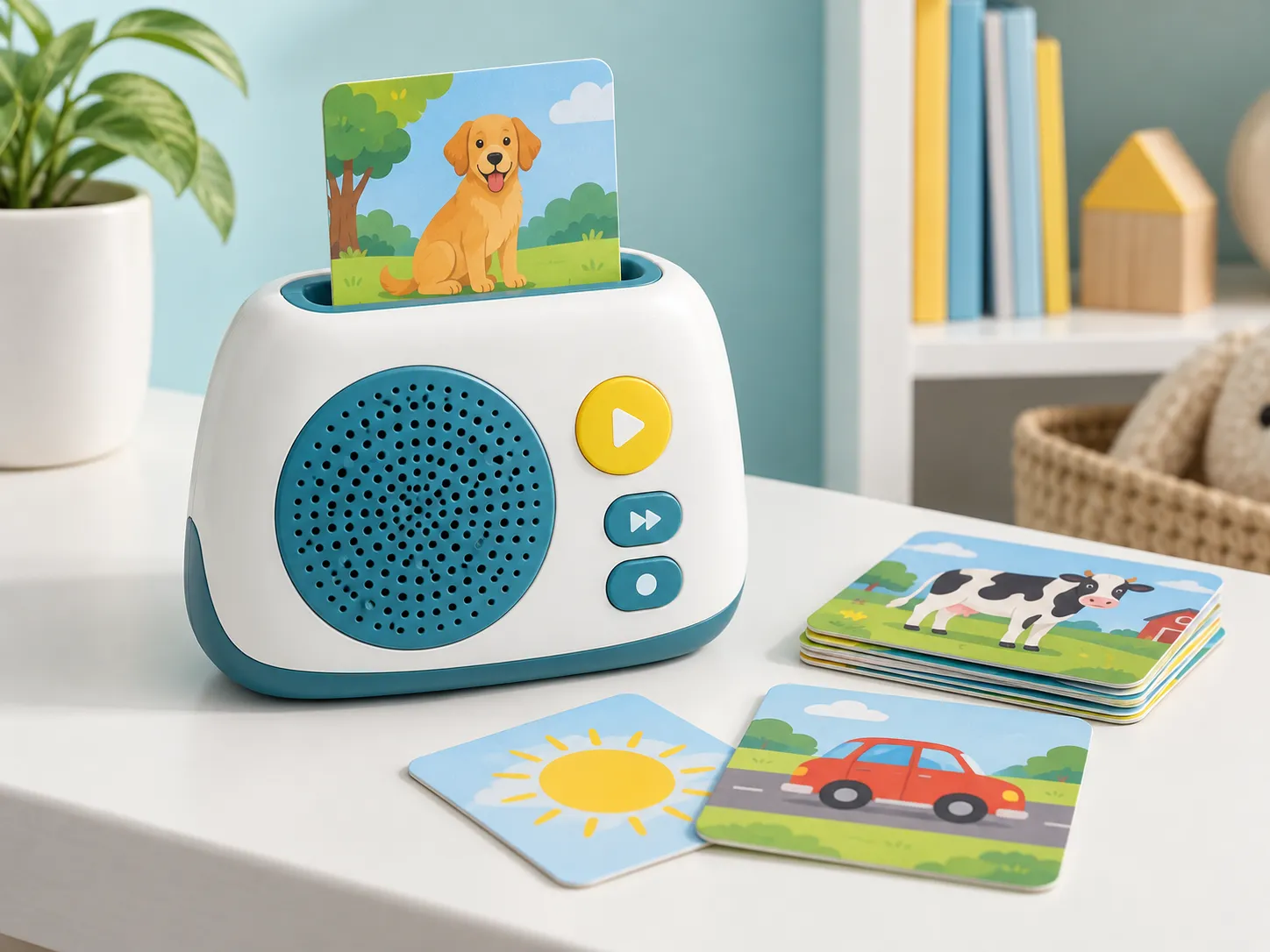
Inserting an identified card automatically calls the matching audio track or playlist, creating a simple screen-free listening routine.
Child-friendly audio players that trigger songs, stories, vocabulary, or learning prompts when a themed card is inserted.
Story libraries, language programs, music sets, and screen-free learning brands
Player hardware, card identification, audio library, controls, storage, and packaging
Card count, content duration, playback rules, update plan, age group, and quantity range
Product description
An insert-card player turns a physical card library into a simple audio experience. The product must reliably identify the card, start the correct content, provide understandable controls, and keep the growing library organized for families and the brand team.
Planning begins with the content model: complete stories, songs, vocabulary themes, activity prompts, or a mix. From there, card identification, audio structure, playback behavior, player housing, storage, and pack-out can be coordinated.
Inserting an identified card automatically calls the matching audio track or playlist, creating a simple screen-free listening routine.
Story collections, nursery songs, bilingual vocabulary, mindfulness audio, cultural content, and expandable learning libraries.
Card quantity and size, artwork, audio library, track duration, playback rules, languages, expansion plan, and packaging.
Define how cards are identified, grouped, numbered, named, revised, and connected with audio files.
Plan auto-play behavior, pause, track navigation, replay, volume, resume logic, and caregiver controls.
Review housing, speaker position, card slot, power, charging, indicators, buttons, accessories, and portability.
Coordinate starter sets, expansion packs, card storage, instructions, labels, retail presentation, and carton protection.
Use this framework to make supplier discussions, quotations, samples, and approvals more comparable.
| Decision area | What to define | Why it matters |
|---|---|---|
| Content model | Stories, songs, vocabulary, lessons, or activities | Sets expected playback behavior and library structure |
| Card system | Card size, identification method, artwork, numbering, expansion plan | Connects physical media with correct audio |
| Playback | Auto-start, track order, pause, replay, resume, language switching | Determines interface and firmware behavior |
| Audio library | File quantity, duration, formats, rights, naming, revisions | Supports memory and content control |
| Power and controls | Charging or battery approach, buttons, indicators, speaker output | Affects use, packaging, logistics, and testing |
| Retail system | Starter cards, expansion packs, storage, manual, packaging | Supports merchandising and repeat purchases |
Clarify card categories, content length, languages, expansion logic, and user journey.
Select controls, playback rules, card recognition approach, power, and indicators.
Review representative cards, real audio, insertion, recognition, navigation, sound, and storage.
Freeze approved hardware, firmware, audio, card artwork, labels, packaging, and checks.
Share your market, books, functions, content status, quantity range, packaging, and timing. We’ll use them to organize the questions that need answers before sampling.
Send Your RequirementsThese answers provide a planning basis. Final scope should always be confirmed for the exact product and destination market.
A scalable library can be planned, but the identification method, numbering, audio capacity, update workflow, packaging, and customer-support process should be defined before launch.
That depends on the planned content duration, memory architecture, playback rules, and user experience. Share representative audio so capacity and navigation can be reviewed accurately.
Yes, provided you hold the required rights. Controlled master files, naming rules, language versions, approvals, and final mapping records should be part of the project.
Send your current requirements, even if some details are still open. A structured first review can identify the missing decisions before they delay sampling.